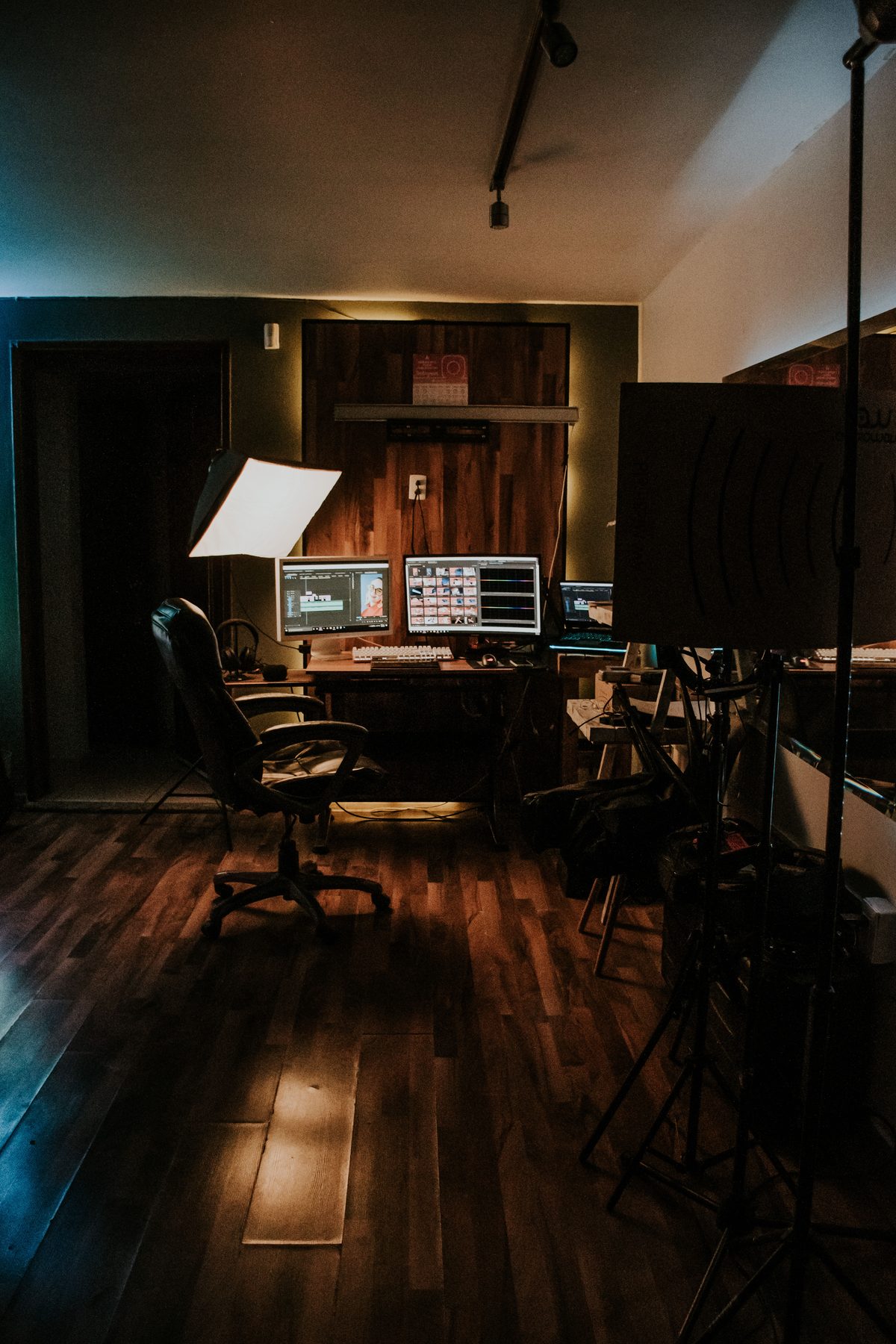
Color grading, lenses and camera moves get all the attention, but sound is half of what makes footage feel cinematic. A shot can look like a film and still feel flat if the audio is thin, silent or amateur. The good news is that cinematic sound is not about expensive gear. It is about layering a few intentional elements the way film sound designers do.
This guide breaks down the layers of a cinematic soundscape, gives you a step-by-step process to build one, and points you to the free sounds that do the heavy lifting. Everything linked is royalty-free and free to download from CinematicSFX, with no signup.
Why sound sells the image
An audience reads production value with their ears as much as their eyes. Dead silence under a shot, or a single flat sound effect, quietly signals amateur. A rich, layered soundscape does the opposite: it convinces the viewer that what they are watching is bigger and more expensive than it is. Sound is the cheapest way to raise the perceived quality of any video.
The layers of cinematic sound
A cinematic soundscape is built in layers, each doing a specific job. Learn the layers and you can assemble the feeling on any edit.
Atmosphere and ambience
The foundation. A low drone or atmosphere bed runs under the whole scene so it is never dead silent. This is the layer most amateur edits skip, and adding it alone makes footage feel instantly more filmic.
Impacts and accents
Impacts and booms punctuate your cuts, title cards and key moments. A well-placed hit on a reveal gives it weight and makes the edit feel deliberate rather than accidental.
Transitions
Whooshes and transition effects carry the viewer between shots and scenes, smoothing hard cuts and adding a sense of motion.
Builds and tension
Risers and swells lift a scene toward its peak and tell the audience something is coming. They turn a flat sequence into one with momentum.
Low-end weight
A sub drop or deep boom under your biggest moments adds the chest-thumping weight that big-screen mixes have and phone-speaker edits lack.
How to make your video sound cinematic, step by step
- Start with clean audio. Get dialogue and location sound as clean as possible first. Cinematic layers sit on top of a clean base, not a noisy one.
- Lay an atmosphere bed. Put a quiet drone or ambience under the entire scene so there is never true silence. This single step does the most.
- Accent your key moments. Drop an impact or boom on your title, your reveal and the hardest cuts.
- Smooth your transitions. Add a whoosh on fast cuts and scene changes so the edit flows instead of jumping.
- Build to the big moments. Run a riser into your climax so the audience feels it coming.
- Add low-end weight. Layer a sub drop under your biggest hit for depth you feel as much as hear.
- Balance and master. Keep effects under your dialogue and music, use contrast between loud and quiet, and master to a consistent loudness without clipping.
Best free sounds to make your video cinematic
Here is where to start for each layer, all free and royalty-free:
- Atmosphere: a Suspenseful Drone or Evolving Drone under the whole scene.
- Accents: a Heavy Impact or one of the Booms on your reveals and cuts.
- Transitions: an Edge Whoosh between shots, or a full transition.
- Build: an Aggressive Riser into your peak moment.
- Weight: a Deep Sub Drop under the biggest hit.
Preview and download everything from the free sounds browser, or grab it all in the free pack. If you are cutting a trailer specifically, the trailer sound guide walks through the same toolkit for that format.
Mistakes that make video sound amateur
- Leaving dead silence. No ambience bed is the clearest sign of an unfinished mix. Always fill the quiet.
- No dynamics. If everything is loud, nothing hits. Cinematic sound needs quiet moments to make the loud ones land.
- Burying dialogue. Effects and music should support the voice, never fight it.
- Reusing the same sound. One whoosh on every cut gets noticed fast. Vary your effects.
- Ignoring the low end, or overdoing it. Some sub weight sells scale; too much turns the mix to mud. Carve room with EQ.